

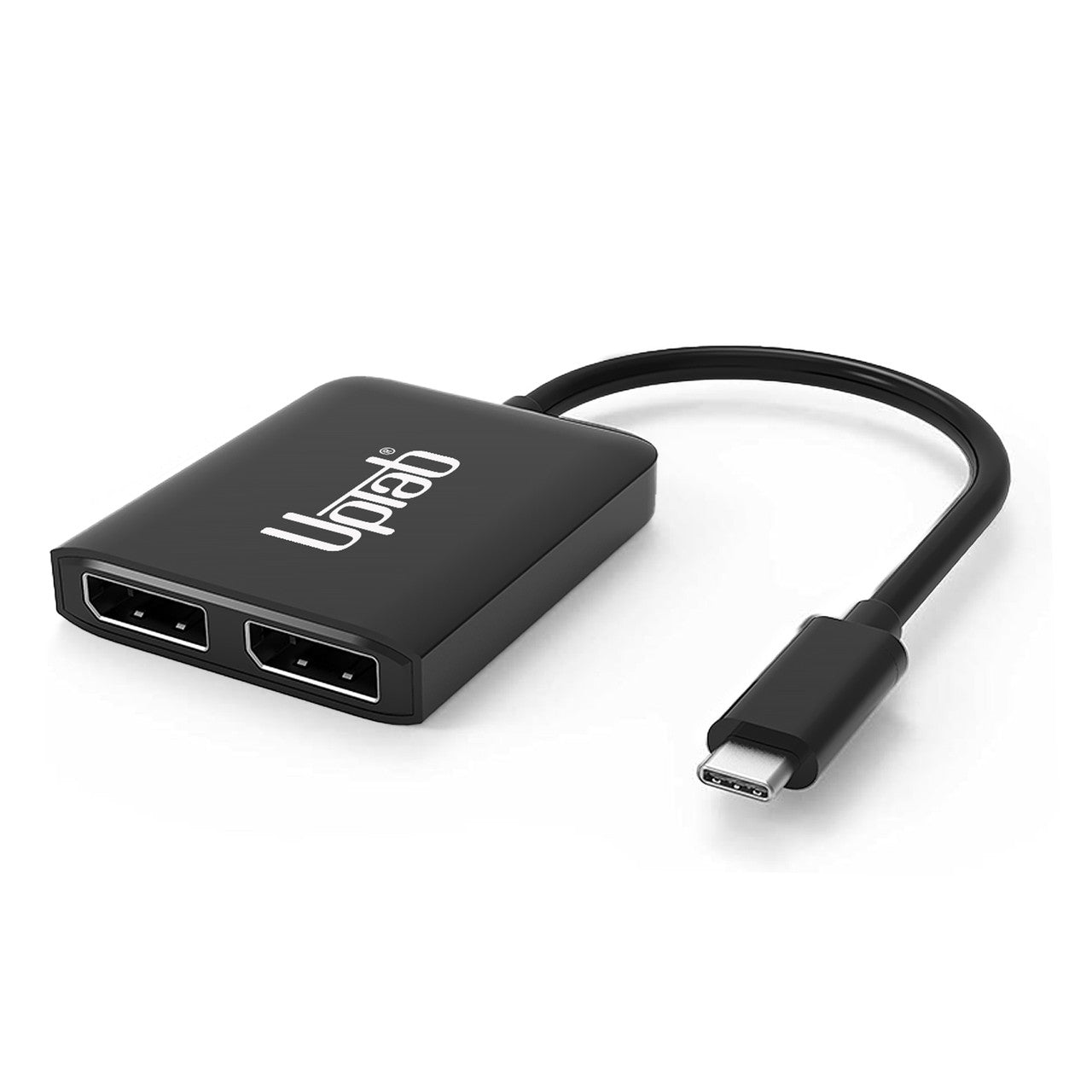
USB-C-auf-Dual-DisplayPort-8K-MST-Adapter
Über diesen Artikel
Passt gut zu
VERSAND AM SELBEN TAG, Bestellung bis 11:00 Uhr (EST)
Kostenloser Versand für Bestellungen über 50 $
Technischer Support
30 Tage Rückgaberecht
1 Jahr Garantie
USB-C-auf-Dual-DisplayPort-8K-MST-Adapter
Produktdetails
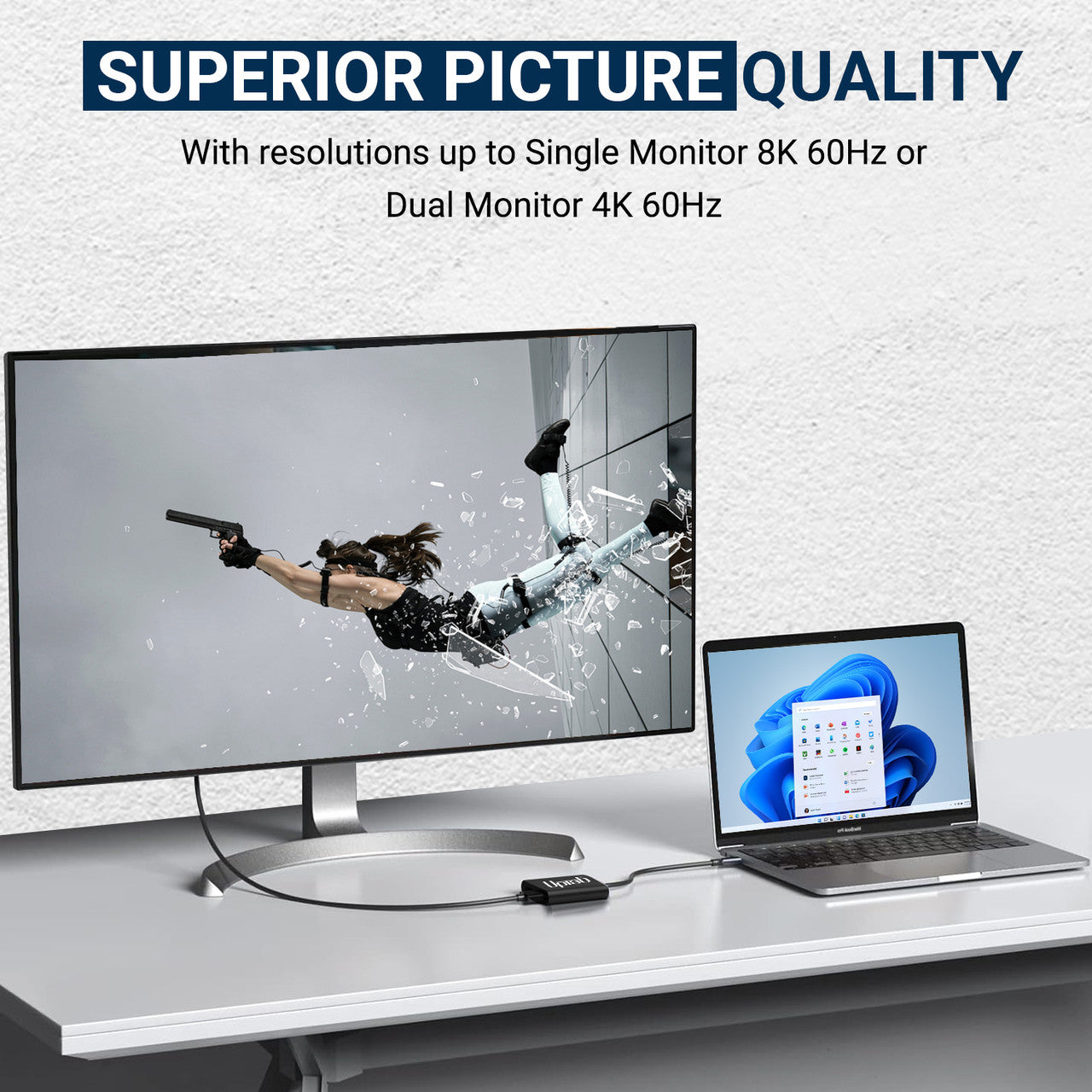
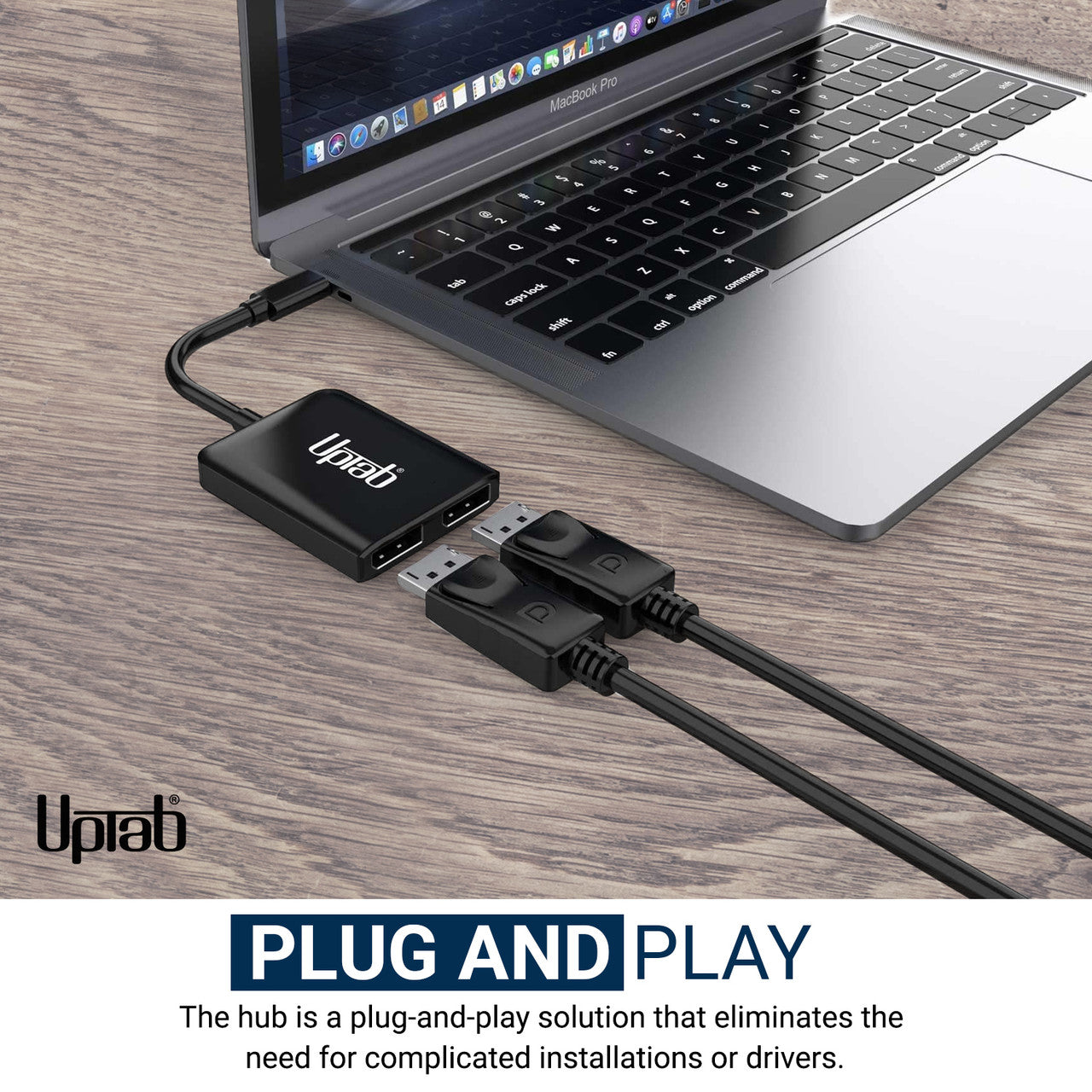
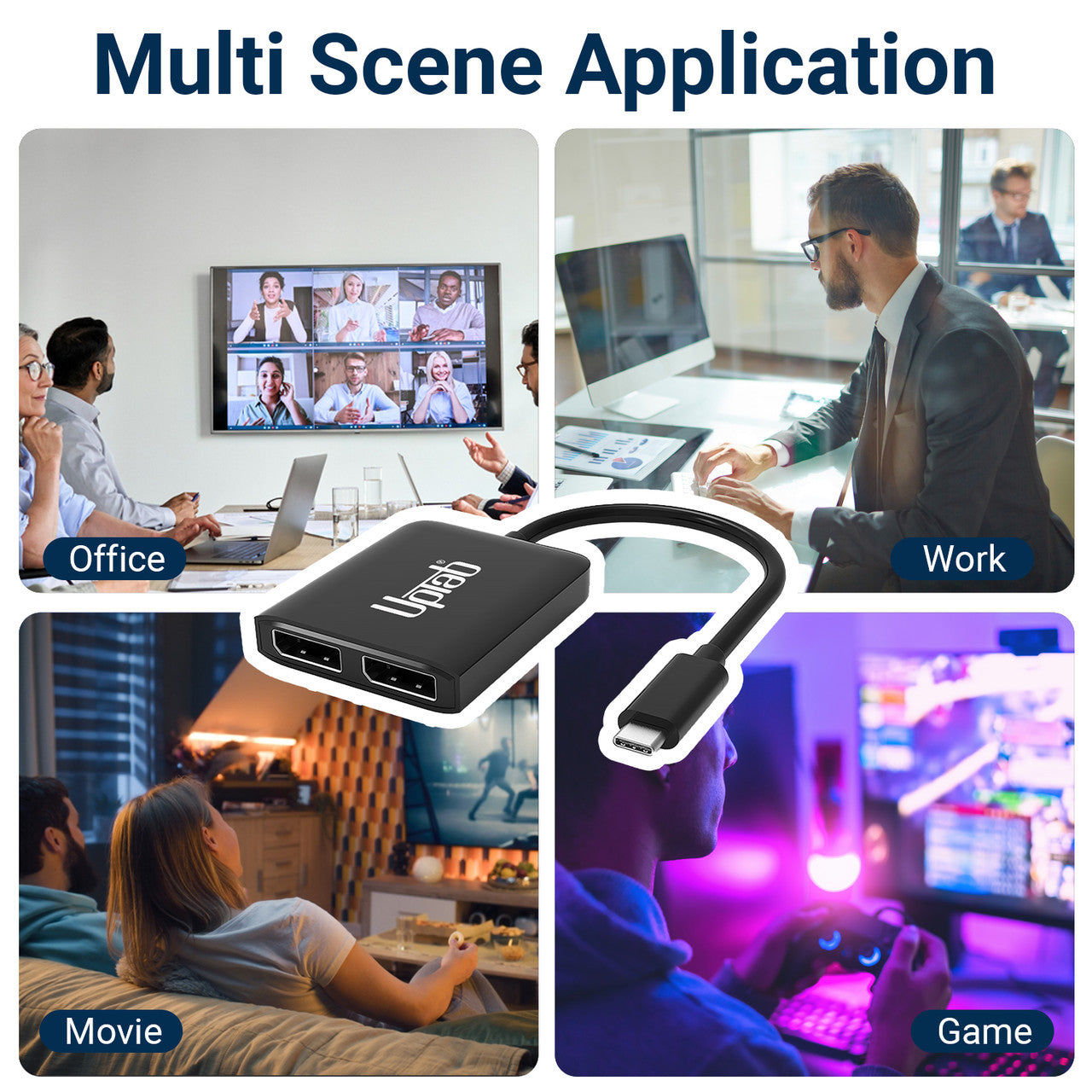
Für Benutzer, die High-Performance-Computing oder Gaming betreiben, ist der USB-C-auf-Dual-Port-DisplayPort-Adapter, der einen einzelnen 8K- (7680×3840) oder dualen 4K-Ausgang (3840×2160) unterstützt, eine ideale Lösung für den Anschluss von Computern an UltraHD-Displays. Es bietet überragende Leistung und verbesserte visuelle Erlebnisse. Das Gerät ist Plug-and-Play-fähig und erfordert keine Softwareinstallation oder -konfiguration: Schließen Sie einfach ein Ende an Ihr System und das andere an ein DisplayPort-Kabel (separat erhältlich) an. Es wandelt das USB-C-Videosignal in DisplayPort mit Auflösungen bis zu 8K um. Darüber hinaus gewährleistet die Unterstützung des 4:4:4-Farbformats eine genaue RGB-Wiedergabe ohne herkömmliche Farbverschlechterung.
Eigenschaften:
- Ideal für Gamer und andere anspruchsvolle Computeranforderungen
- Unterstützt das 4:4:4-Farbformat mit klaren RGB-Farben
- Bis zu 8-Kanal-Audio
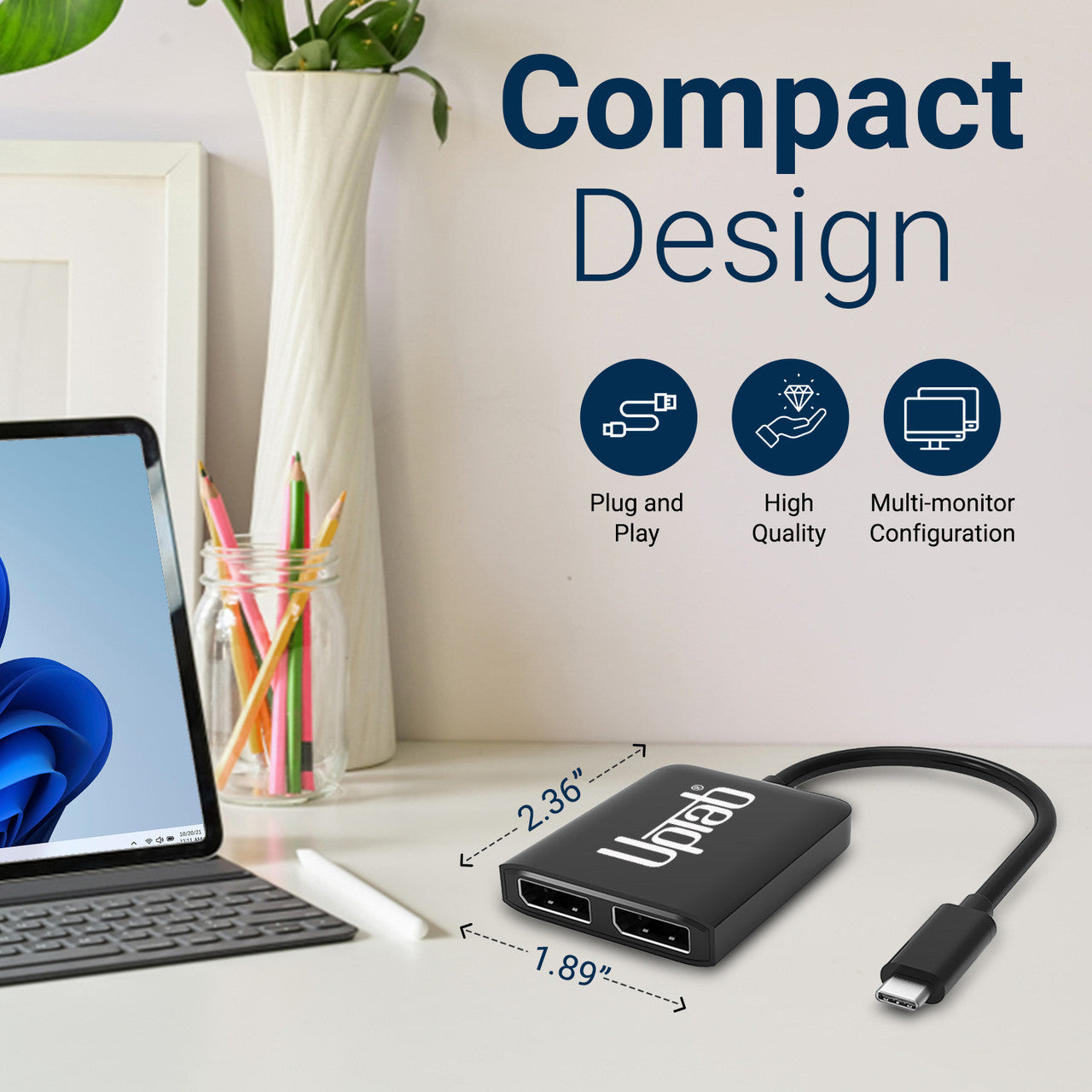
- Kleines, tragbares Design
- Selbstversorgendes Design, keine externe Stromversorgung erforderlich
- Konvertiert DisplayPort-Videosignale mit bis zu UHD 8K 7680 x 3840 und 4K 4096 x 2160

Spezifikationen:
- Eingabe: USB-C 3.2 (Host muss DisplayPort 1.4 Alt Mode unterstützen)
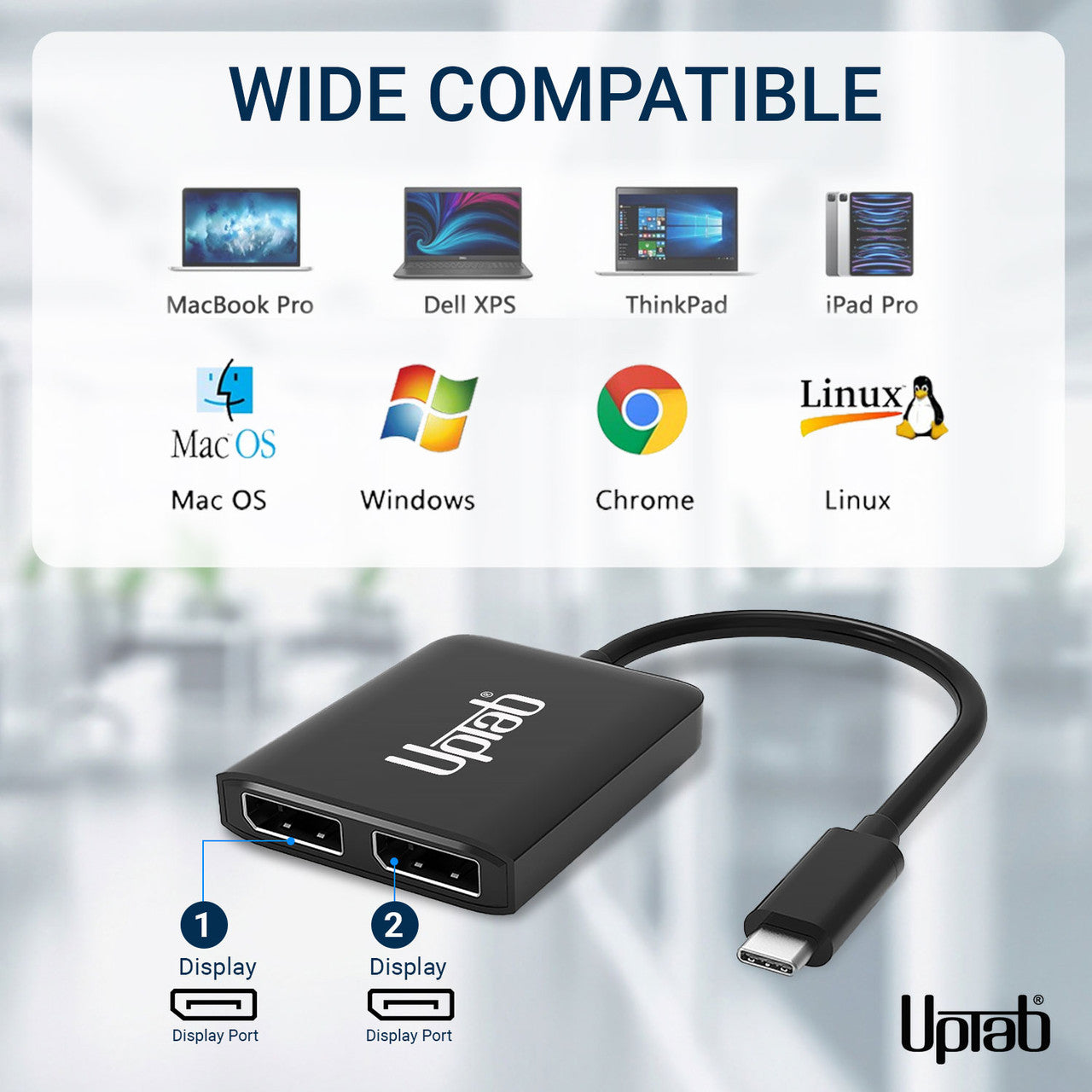
- Ausgabe: Dual DisplayPort 1.4
- DisplayPort 1.4-Signal mit bis zu UHD 8K 7680 x 4320 bei 30 Hz/60 Hz und 1080p/144 Hz.
- Zwei DisplayPort-Monitore unterstützen eine Auflösung von bis zu 4096 x 2160 bei 60 Hz
- Ohne DSC: DP1.4++: (7680x3840@30Hz, HDCP2.2, HDR10, 7.1CH)
- Mit DSC: DP1.4++: (7680x3840@60Hz, HDCP2.2, HDR10, 7.1CH)
- Ein DisplayPort-Monitor unterstützt eine Auflösung von bis zu 7680 x 3840 bei 60 Hz
- MST kein DSC: max. 2x3840*2160@60Hz
- SST kein DSC: max. 2x7680*3840@30Hz
- Mit Unterstützung für das 4:4:4-Farbformat.
- Übertragen Sie bis zu 8-Kanal-Audio für ein beeindruckendes Audio- und Videoerlebnis
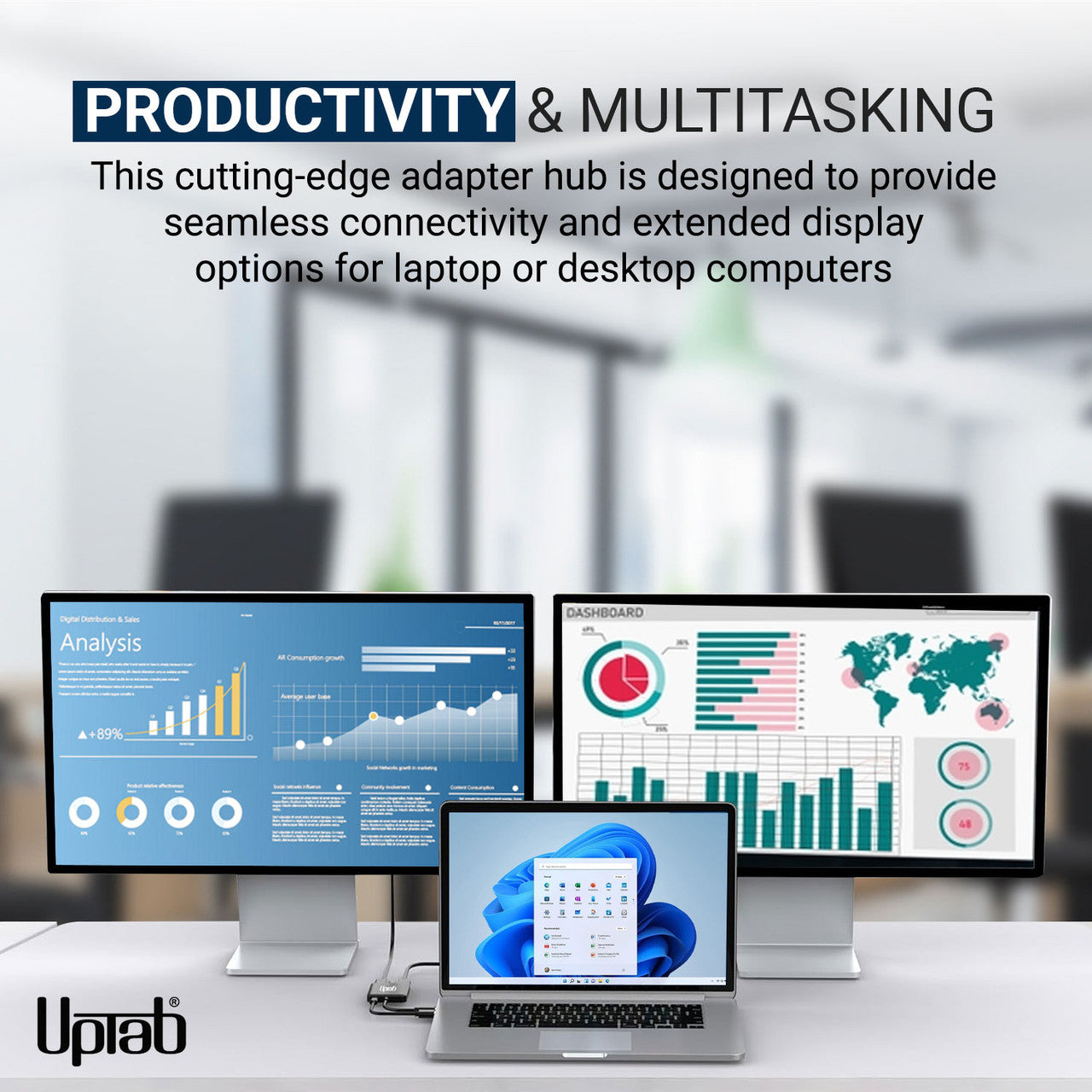
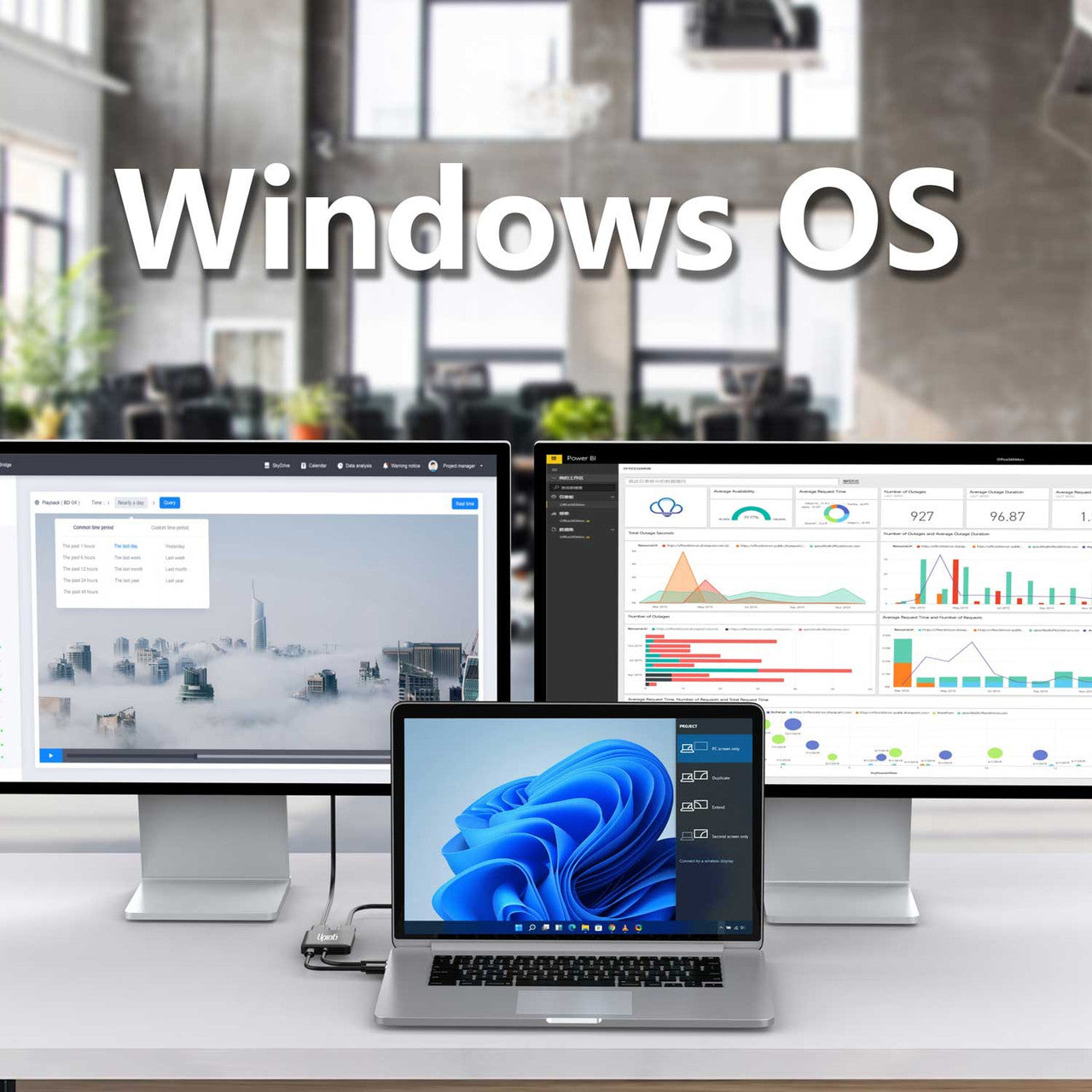
- Unterstützt Windows Display Extended und Mirror-Modus (MST und SST)
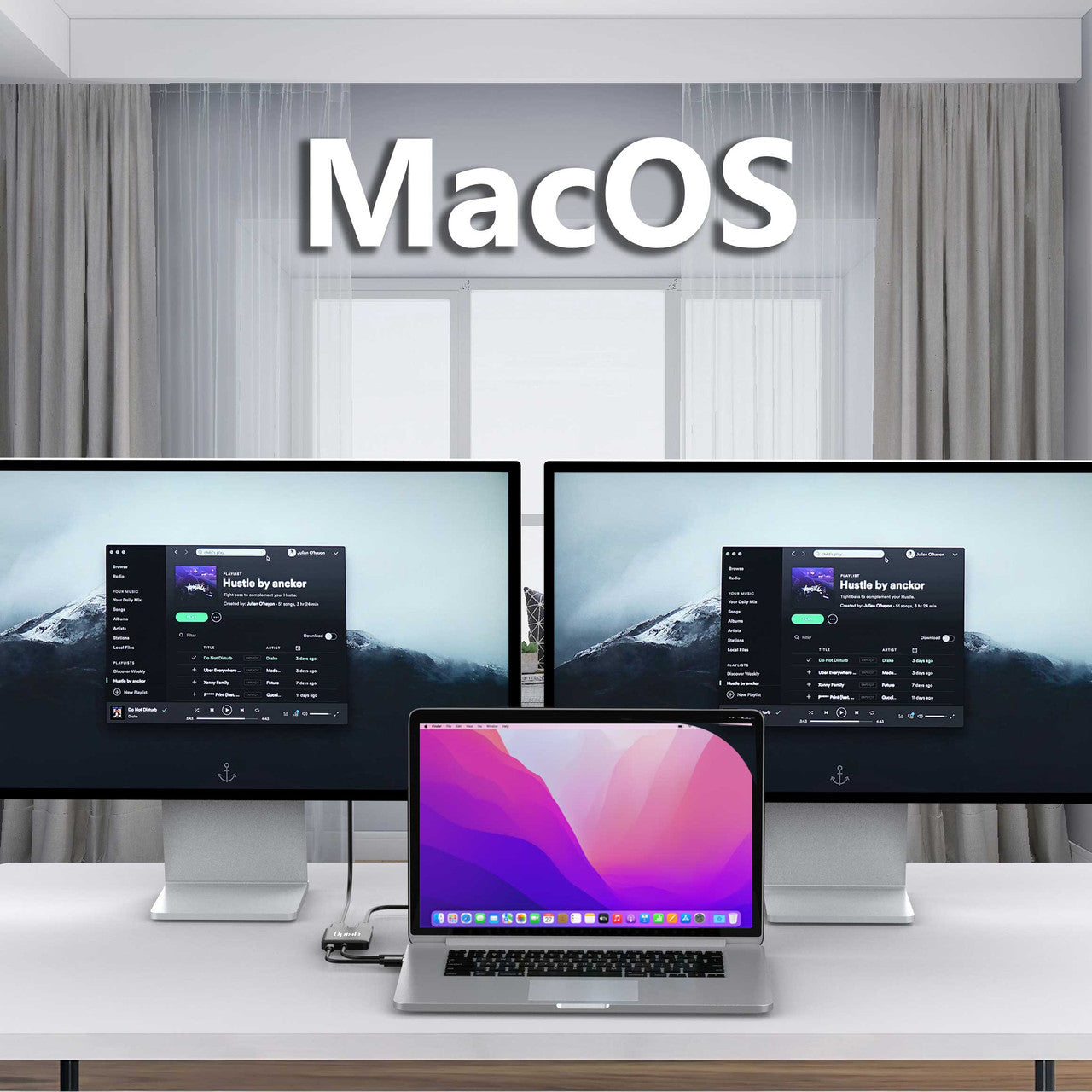
- Unterstützt den macOS Mirror-Modus (SST)
In der Box:
- 1x UPTab USB-C (Typ-C) auf 2-Port-DisplayPort-Adapter.
NEIN, um Videos zu übertragen, muss Ihr USB-C-Anschluss dies unterstützen DisplayPort-Alt-Modus. Der DP-Alt-Modus ermöglicht USB-C-Anschlüssen die Übertragung von Daten/Videos über mehrere Schnittstellen, einschließlich der DisplayPort-Videoschnittstelle. USB-C-Anschlüsse, die DisplayPort-Signale übertragen können, werden entweder USB-C DisplayPort oder DP Alt Mode genannt. Die Verwirrung über USB-C DisplayPort entsteht durch die Tatsache, dass nicht alle USB-C-Anschlüsse über die DisplayPort Alt Mode-Funktionalität verfügen. Infolgedessen wissen viele Benutzer von Geräten mit USB-C-Anschlüssen überhaupt nicht, ob diese Anschlüsse DisplayPort über USB-C unterstützen oder nicht. Der Schlüssel für diese Benutzer besteht darin, zu verstehen, wie sie feststellen können, ob ihr USB-C-Gerät DisplayPort über USB-C unterstützt.
- Blitz (Thunderbolt 3) neben dem USB-C-Anschluss? Anschließend können Sie diesen Anschluss zum Aufladen und zur Übertragung eines Videosignals verwenden. Das heißt, Sie können einen Monitor anschließen. Dieser Port unterstützt den DisplayPort-Alt-Modus.
- D (DisplayPort) neben dem USB-C-Anschluss? Dann können Sie über diesen Anschluss ein Videosignal übertragen. Das heißt, Sie können einen Monitor anschließen. Dieser Port unterstützt den DisplayPort-Alt-Modus.
- Befindet sich neben dem USB-C-Anschluss ein Batteriesymbol? Dann können Sie diesen Anschluss zum Aufladen Ihres Laptops verwenden. Dieser Port unterstützt den DisplayPort-Alt-Modus nicht.
Thunderbolt 3 war einer der ersten Anbieter, der auf das neue USB-C-Format umgestiegen ist, da die Steckerform kleiner und umkehrbar ist und sich so leichter anschließen lässt. USB-C-Kabel können deutlich mehr Strom transportieren und können daher zum Laden größerer Geräte wie Laptops verwendet werden.
Wenn Sie Fragen haben, können Sie uns jederzeit gerne kontaktieren. Wir werden uns so schnell wie möglich bei Ihnen melden, werktags innerhalb von 24 Stunden.
-
Versandinformationen
Wir bearbeiten und versenden die meisten Bestellungen noch am selben Tag. Die Lieferzeiten variieren je nach der von Ihnen an der Kasse gewählten Versandart. Bitte stellen Sie sicher, dass Ihre Lieferadresse korrekt ist, um Verzögerungen zu vermeiden.
-
Kundendienst
Unser Team hilft Ihnen gerne weiter! Bei Fragen oder Unterstützung kontaktieren Sie uns per E-Mail oder über unser Kontaktformular. Wir melden uns schnellstmöglich bei Ihnen.
-
FAQs
Wann wird meine Bestellung versendet?
Die meisten Bestellungen werden noch am selben Tag bearbeitet und versendet. Die Lieferzeit hängt von der an der Kasse gewählten Versandoption ab.
Wie sind Ihre Rückgabebedingungen?
Eine Rücksendung der Artikel ist innerhalb von 30 Tagen in der Originalverpackung mit sämtlichem Zubehör möglich. -
Kontaktiere uns
Haben Sie Fragen oder benötigen Sie Hilfe? Wir sind für Sie da.
Der Kundendienst ist von Montag bis Freitag von 9:00 bis 17:00 Uhr (EST) erreichbar.
E-Mail: cs@uptab.com
Telefon: 1 (877) 333-1505
Oder nutzen Sie unser Kontaktformular– wir werden umgehend antworten.
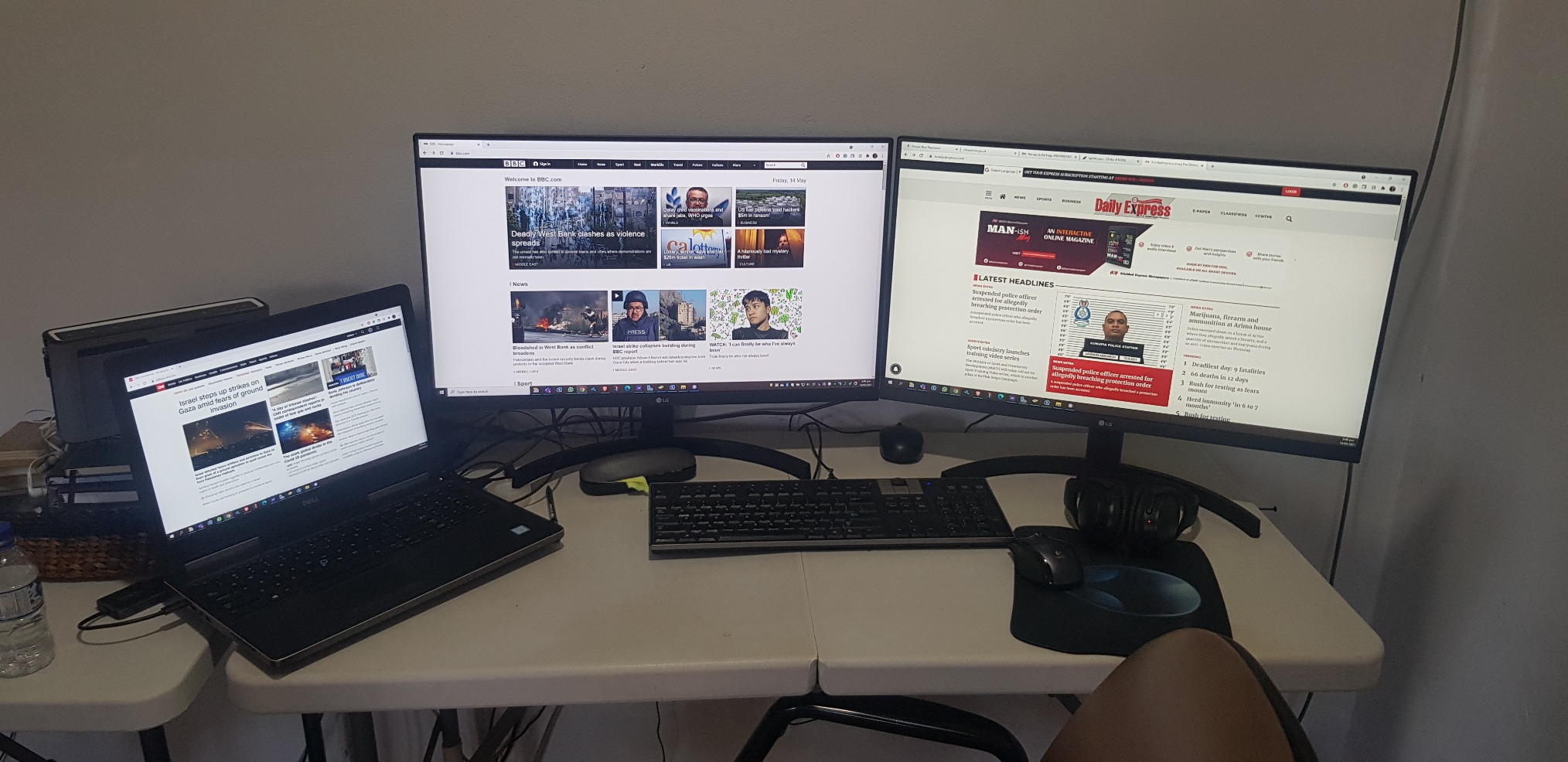
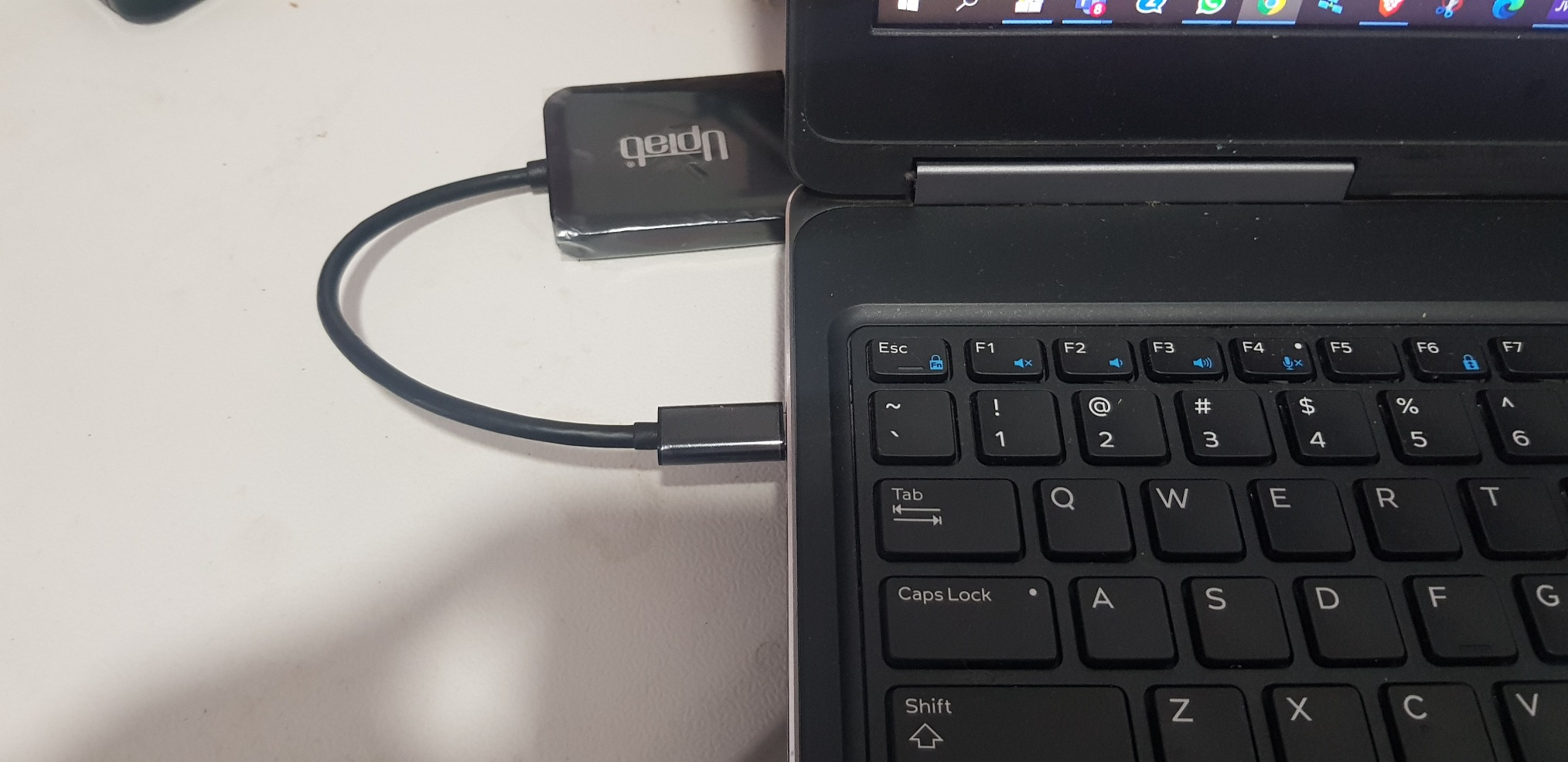
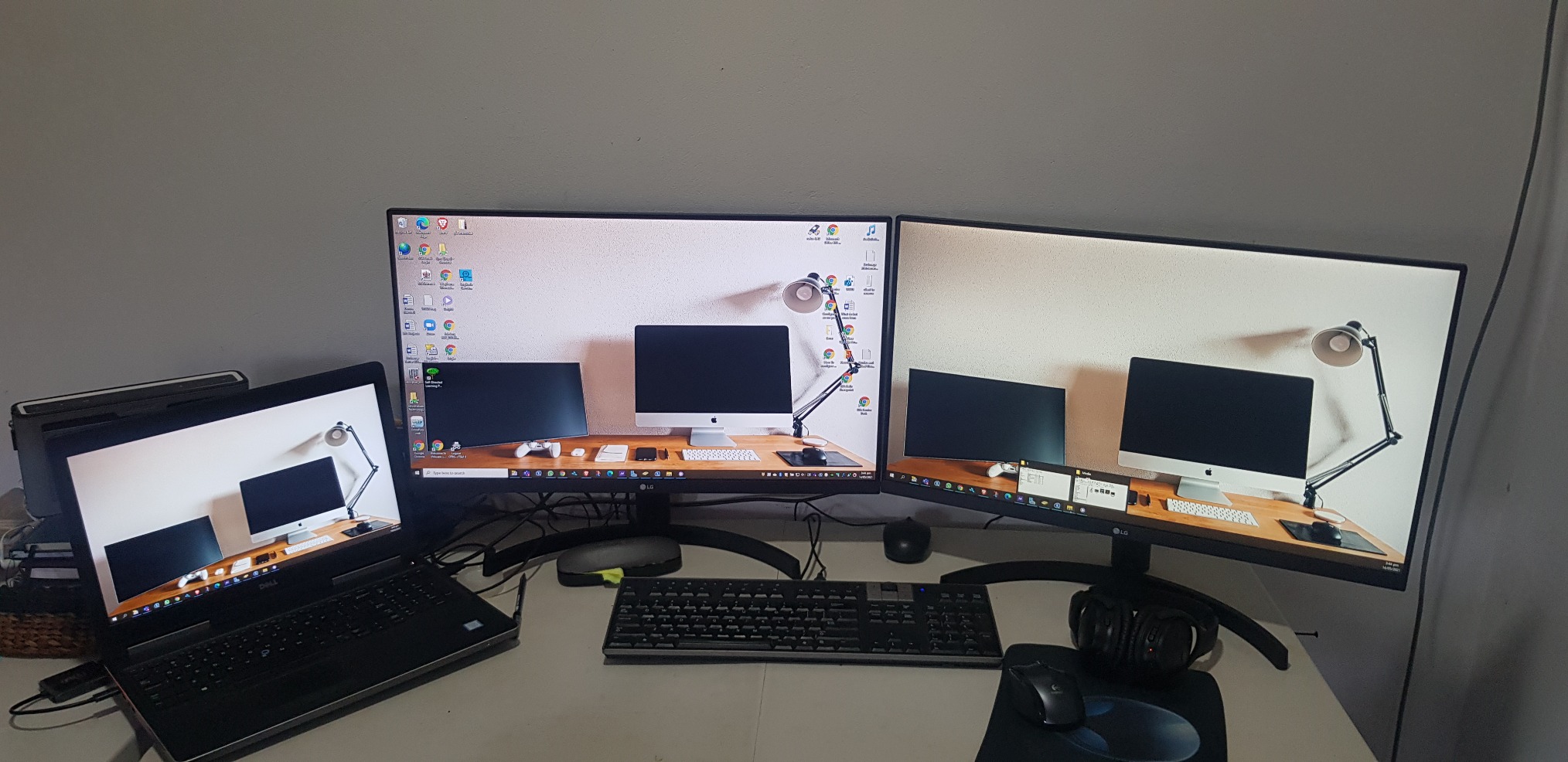
Bought two LG monitor and anted a simple effective way to connect both. UPtab did the job effectively so I did not need the bulky docking station. Will buy or recommend that other buys also. PS NO drivers needed
It works with two 5k monitor

As title says
Almost perfect. Used with Win10 on a Dell Latitude 3510, dual QHD (2560x1440@60Hz) displays for an extended desktop. The Latitude supports DisplayPort Alt-mode over its USB-3.2 type C connector, which is exactly what you require for this device.Laptop mostly used in clamshell mode, device is barely warm pushing 7 Mpixels 8+ hours a day. No problems driving all three displays as extended (9 Mpixels) either. USB tail is a little short though (~18cm).Very cost effective alternative to upgrading to TB3/MST (and saves you the mental trauma of working outwhich feature/port/cable/monitor does what).One rare problem is that Win10 can swap the monitors around, this has only happened once on resume from sleep. The other odd problem is an intermittent event (plus system sound) that originates in the Intel OED sound driver, possibly trying to access (non-existent) audio in the monitors.I'm overdue some driver/firmware updates which might fix these. Or perhaps they are entirely unrelated and just the opaque machinations of the Fine Operating System...
I was worried about capability and quality but it was worked great. I use this to go from a Surface Studio 2 to two external monitors and it works flawlessly.
It is good and doing the job.
Good value and easy to use.
product works as advertised, hooked up two monitors with Display Ports
I went through a whole bunch of these types of adapters to find one that will work with the Intel NUCs.Intel advertises that the NUCs (generations 8 and newer) can support three displays, but gives very little information on how to make that happen. This UPTab USB C to DisplayPort adapter DOES WORK! I now have three displays connected to my 8th generation NUC.If you need to connect to a device using HDMI, you can do that with this adapter too, but you have to use ACTIVE cables, not the simple passive cables that you typically find when searching for DisplayPort to HDMI adapters. Make sure the name contains the word ACTIVE and it should work.
I am using this with a 2020 Macbook Air, an external keyboard, and a 1440p monitor, which is connected to my computer with a USB C to DisplayPort cable.If I have the monitor and the keyboard attached to the splitter, and the power adapter in the other port, the display doesn't work.What fixed the issue was moving the *power* to the USB C input of the splitter, and having the monitor take the other USB C slot.Not a huge deal, but if you run into this issue, that's how I solved it.
Works as advertised.
Screens kept on flickering and then lost signals.
As described.
"DO NOT BUY" Screen flickers..frequent monitor blanks out. Do not waste your money.
Great value!
The adapter would not support higher than 640x480 resolution when connected. Amazon support tried to help but couldn't resolve.I tried Contacting Manufacturer, no response email or phone.
I wish I could return this item. It is somehow not compatible with my Dell. Customer Support has been wildly unhelpful.
I plugged it, tried to download drivers and all sort of items.I know my way around computers and the like - this is a poor device
Did not work with 2 Dell 25" 4K monitors kept flickering back-and-forth, monitors would blank out and screen would lose signal from laptop got very hot was absolute garbage. Maybe i got a bad one???
Did not work - returned.
This was simple to use and word great!
Worked well, then my employed got us docking stations.
Watch out with this product if you are running MacOS. It will not work as you expect and will only mirror both external displays.They'll even charge you a restocking fee for missing the small bullet point about this problem with MacOS. How great is that?
Used it in my car radio to play movies
Cheapest way so far to split two screens off of my USB-C port on my Alienware 17 R3. No issues.
Works perfectly on 3 laptops.
Plug-in and got able to extend to 2 additional monitors.
Nice compact device
It works.
Works as expected.
This is all I get when I attempt to use the Device from a new HP Laptop with i7 Processor connecting to Dell 22 inch Monitors. I have removed all USB drivers and reinstalled. I have also followed many troubleshooting YouTubes. This is not working at all.
This device allowed me to set up a three monitor (laptop screen + 2x Dell 24") workspace. No configuration issues. Two minutes to set up.
Kostenloser Versand über $50
Versand am selben Tag für die meisten Bestellungen